
DocHub
Edit, sign, and share PDFs online — includes free tools for annotation, forms, and e-signatures.
| What is it | Edit, sign, and share PDFs online — includes free tools for annotation, forms, and e-signatures. |
|---|---|
| Pricing | Freemium — from €11/mo |
| Free tier | Yes |
| Platform | Web Application |
| API | Yes |
| Best for | Signing contracts and agreements electronically, Creating and distributing fillable forms for data collection |
| Domain registered | 2001 |
Data updated Sept. 19, 2026
What does DocHub do?
DocHub is an online tool for handling PDFs and other documents. You can use it to edit a PDF by adding text, images, or comments, white out sensitive information, or merge files. Its core function is to manage electronic signatures: you can sign documents yourself by typing, drawing, or uploading a signature image, and you can send documents to others to collect their signatures in a specific sequence. The platform also lets you create fillable PDF forms and reusable templates, which is useful for standardizing processes like applications or intake forms.
Everything happens in your browser, so there's no software to install. DocHub stands out by offering a generous set of features in its free tier, which isn't always the case with document tools. It's built for collaboration, allowing you to share documents via link or email and set different permission levels for viewers, editors, and signers. A key differentiator is its deep integration with Google Workspace, letting you open and save files directly from Google Drive and manage documents without leaving your familiar Google apps.
This tool is a practical fit for anyone who regularly deals with paperwork. Small business owners can use it to send proposals and contracts. Teachers and administrators can distribute and collect forms. Freelancers can get project approvals signed quickly. Its focus on security certifications like SOC 2 and GDPR compliance also makes it a viable option for professionals in regulated fields like healthcare or finance who need to handle sensitive documents online.
Key features
What makes it stand outWho is DocHub for?
Who benefits most from this toolPricing
Free tier available — start without a credit cardFree
- PDF editing (3 docs / month)
- eSignatures (5 signatures / month)
- AI Assistant (limited access)
- iOS and Android apps
Basic
Everything in Free, plus:
- Advanced PDF tools
- Small team collaboration
- Fillable PDFs
- Reusable Templates
- Document Folders
Pro
Everything in Basic, plus:
- Unlimited eSignatures
- Unlimited PDF editing
- Unlimited Envelopes
- AI Assistant (extended access)
- Bulk Send
- In-Person Signing
- Secure Document Storage
Site license
Everything in Pro, plus:
- Unlimited users
- Volume discounts
- Priority Support
- SSO
- HIPAA
- Organization Management
- Document Password Protection
- Early access to new features
Trust & presence
Gallery
Click any image to enlargeSimilar tools
 Docamine
Verified
Documents Generator
Docamine
Verified
Documents Generator
AI-powered document assistant — upload forms and let AI fill them out for you, then sign and download.
 OpenSign™
Verified
legal
OpenSign™
Verified
legal
Free, open-source electronic signature platform for secure document signing and workflow management.
 Docupotion
Verified
Documents Generator
Docupotion
Verified
Documents Generator
Document automation tool — build reusable templates, pull data from your tools, and generate ready-to-send PDFs automatically.
 Doccape
Verified
Data Management
Doccape
Verified
Data Management
AI-powered document anonymization tool — automatically detects and pseudonymizes sensitive data in text and images
 Doclime
Verified
Assistant
Doclime
Verified
Assistant
AI tool that lets you chat with your PDFs — ask questions and get instant, accurate answers with cited sources.
 LightPDF
Verified
Productivity Tools
LightPDF
Verified
Productivity Tools
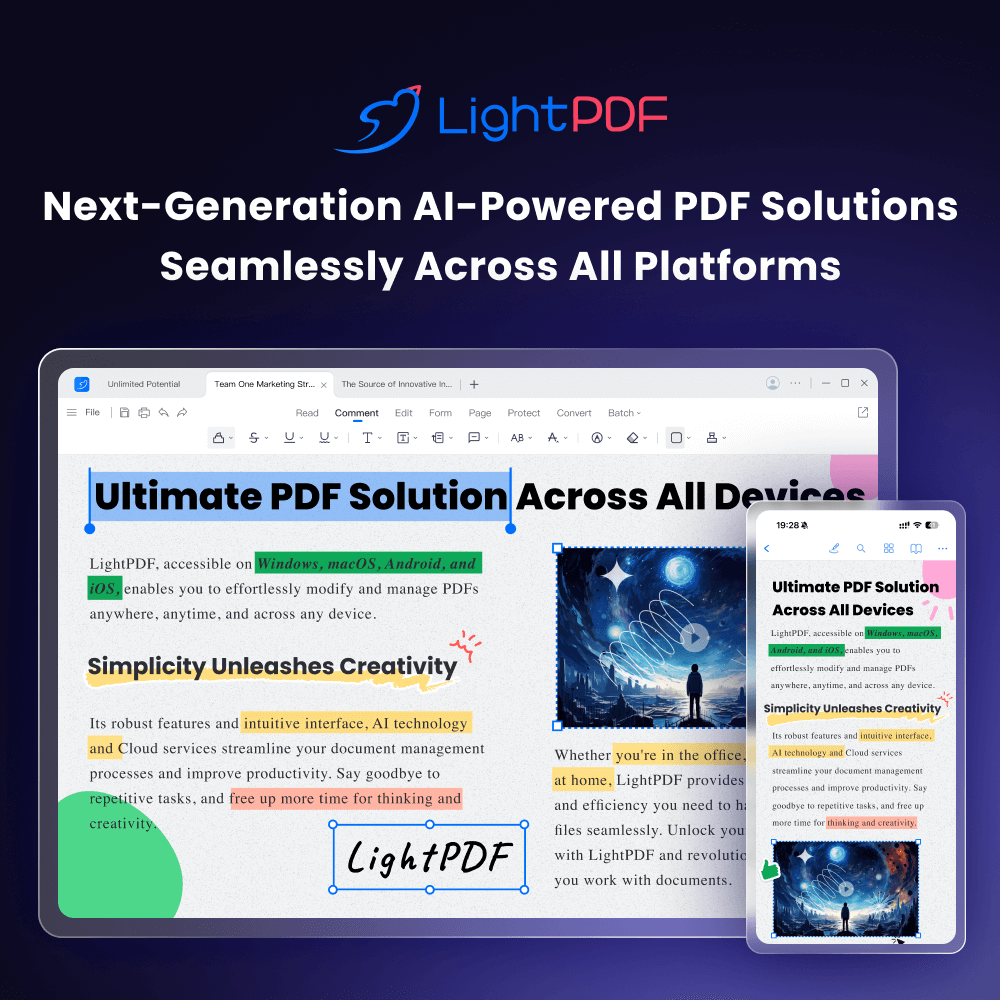
AI-powered online PDF editor — edit, convert, OCR, sign, and chat with your documents across all devices.
 PDF.ai
Verified
Assistant
PDF.ai
Verified
Assistant
AI tool to chat with PDFs, extract data, and parse documents via a web app or API.
 The DocGPT
Verified
Documents Generator
The DocGPT
Verified
Documents Generator
Upload a PDF and ask questions, get summaries, or extract info — AI-powered chat with your documents